What “Launch Edition” means: this purchase includes the
fixed first 12-app Adult collection listed on this page. It is not a countdown,
a limited-time price, or a promise that future products will be added.
Broad access should still feel like twelve small doors.
12 standalone appsOne master ZIP · 63 PDFs3 fixed bundle groupsSecure checkout is open
02 · See all twelve doors
Inside the Complete Suite
Three connected groups. Twelve separate jobs.
The groups make the collection easier to scan. They do not merge
the apps or change which four tools belong together.
Find the group. Then open the smallest tool inside it.
Use the app in the moment. Keep the method nearby on paper.
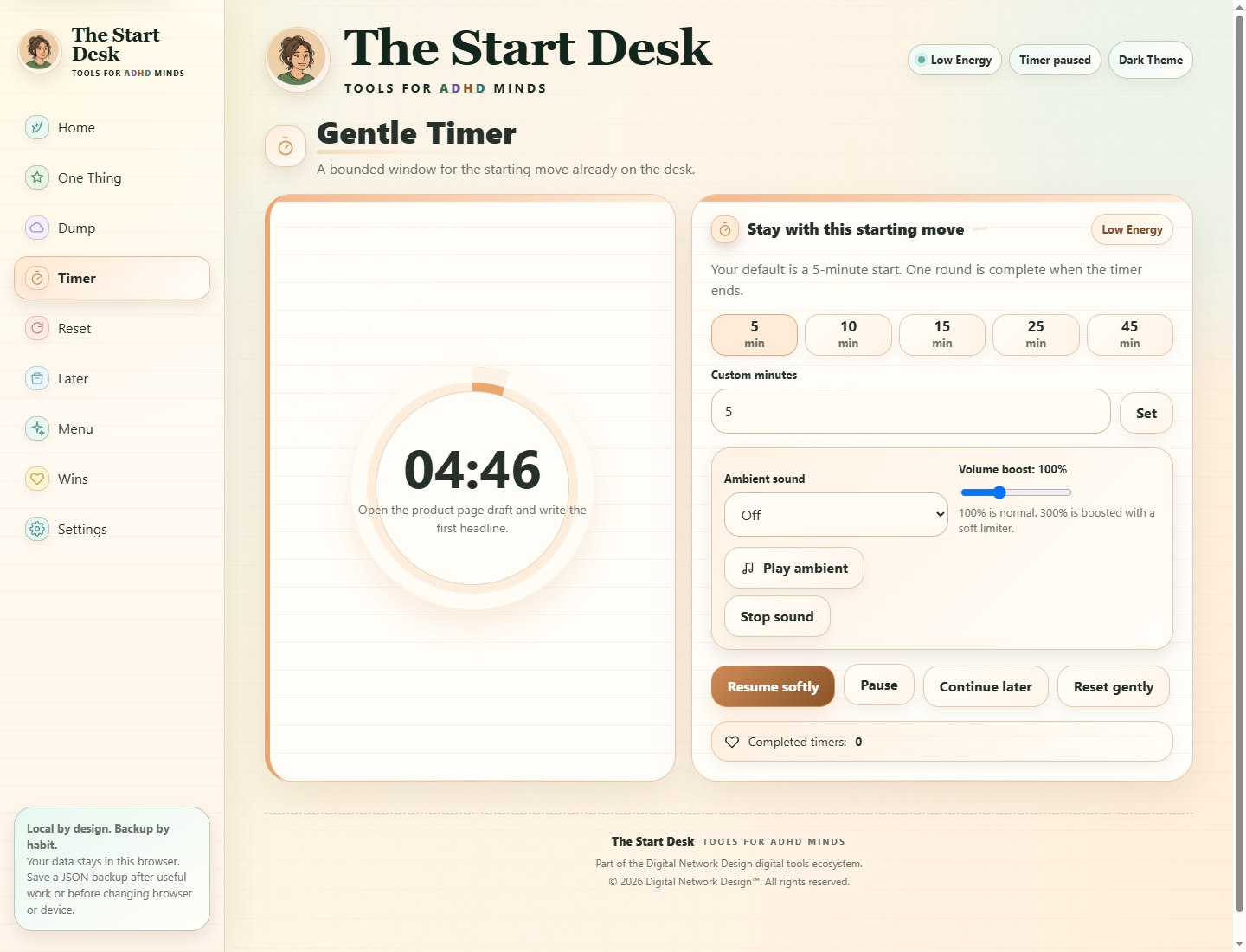
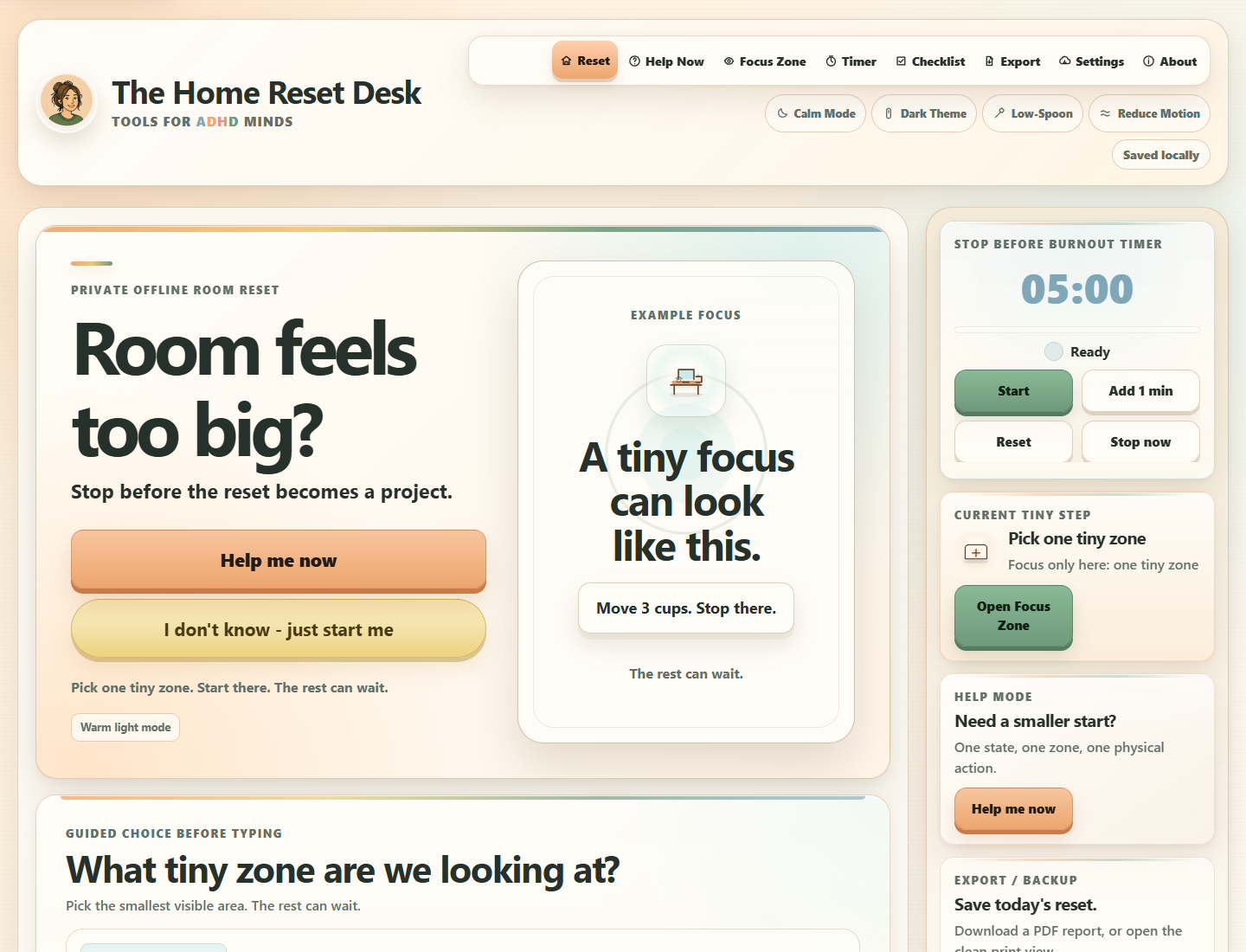
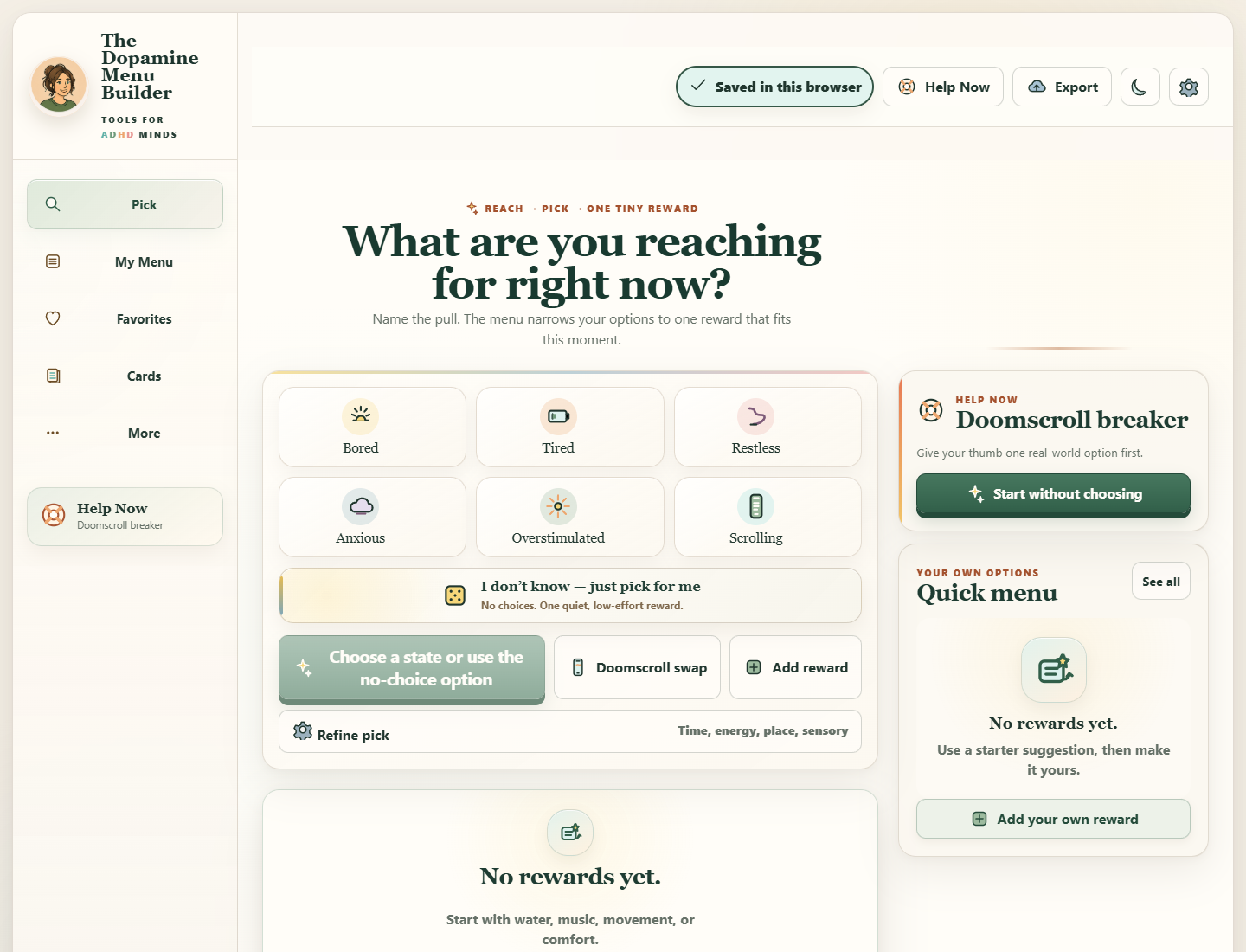
The Suite arrives as one master ZIP with twelve app folders. Each
folder contains its standalone app, app-specific START HERE guide,
and four companions; a Suite START HERE, shared access/backup guide,
and shared license/legal notice sit at the root.
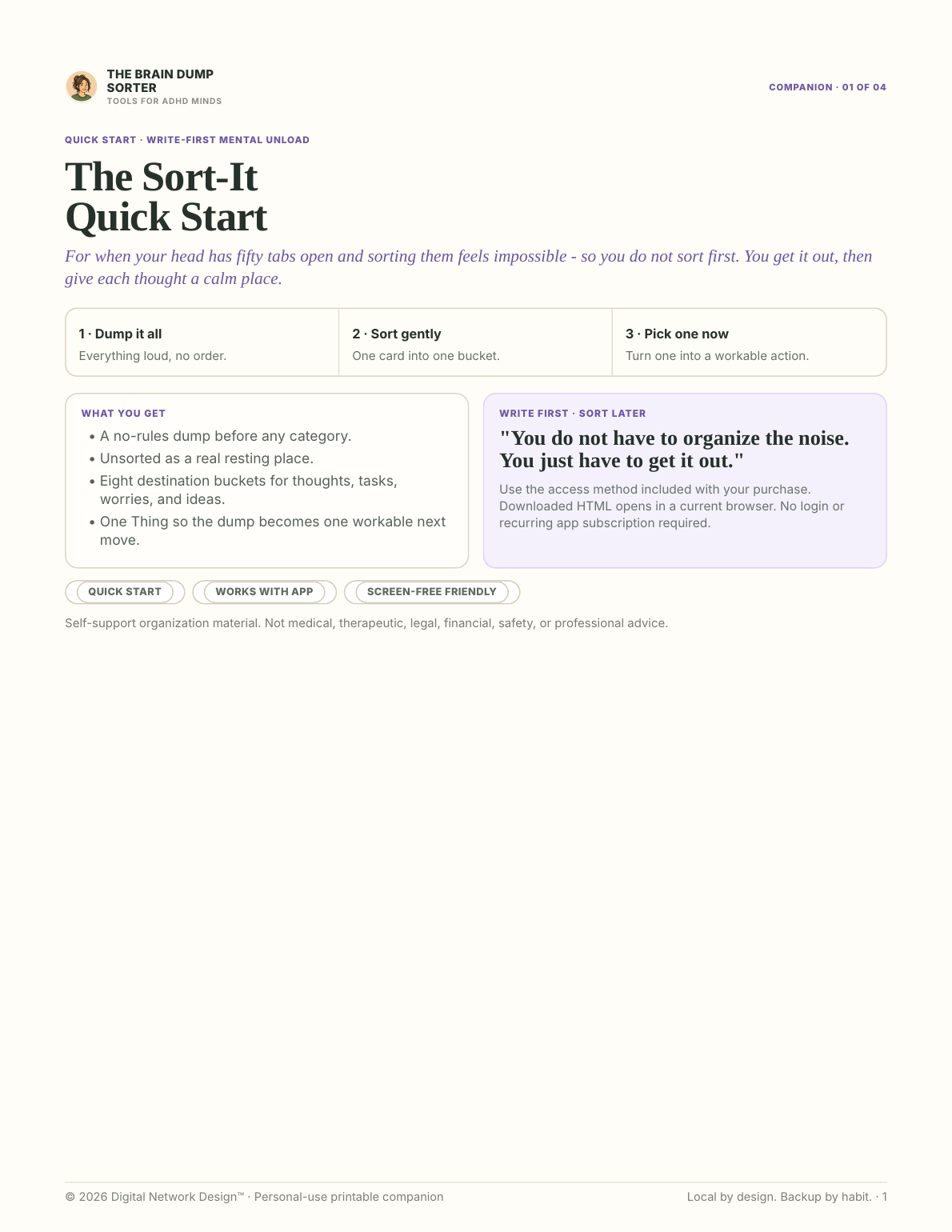
Use the app when interaction helps. Use paper when the screen does
not.
01
12 standalone HTML apps
Responsive browser tools for phone, tablet, and desktop.
02
60
product-specific PDFs
12 app-specific
START HERE guides plus 48
companions.
03
3 package-wide PDFs
Suite START HERE, shared access/backup guide, and shared
license/legal notice.
04
Where your work is saved
Working app data stays in the browser and app copy you use
unless exported.
Delivery, without guesswork
One purchase, one organized route to the full collection
The Complete Suite keeps delivery predictable: one receipt, one master ZIP, twelve named app folders, and one protected browser-access route for all included tools.
Keep the receipt. It is your way back.
01
Payment will be confirmed
Lemon Squeezy will complete checkout and send the order receipt. Keep that receipt: it will be the reliable route back to the purchase.
02
Download one ZIP
The order will provide one master ZIP containing all twelve tool folders, including the app files, guides and license documents listed before purchase.
Then choose your device
On a computer
Download and unzip your package. Open START HERE, then open the HTML app in your browser.
On a phone
Open the app-library link in your receipt. Use your receipt email and license key to unlock your purchased tools.
File guide, offline access, and setup limits
Open START HERE first
The START HERE guide explains the folder, the offline files and the optional protected online access, so you know exactly what to open first.
Activate protected app access
The receipt email and license key will unlock all twelve included tools in the hosted PWA library. The receipt provides the direct opening link; later, choose “Already purchased? Open My Apps & Setup” in the site footer or Support page to return without typing an address. This will be access attached to a one-time purchase, not a subscription.
Use the right offline option
The downloaded HTML app and PDFs work offline without a recurring access check. The protected hosted PWA can keep working offline for up to 30 days after a successful online check, then briefly reconnects to refresh access. The purchase itself does not expire after 30 days.
Use up to 10 browser setups
The 10-setup limit applies to the protected PWA library, not to downloading the ZIP or opening its offline files. One browser setup unlocks all twelve included tools. Removing and re-adding the library in the same browser profile keeps the same setup identity unless that browser data was cleared; an old setup can be deactivated to free its place.
If a receipt, download, or activation step is missing, email [email protected] with the order number.
For your safety, never send a full license key by email.
04 · Keep each tool small
Why this is not a mega-dashboard
You get more tools, but each app stays focused on one job.
A time problem still opens a time tool. A clutter problem still
opens a clutter tool. The Suite gives you more choices without
adding more steps inside any one app.
More tools available. No new system to keep alive.
01Separate appsEach tool stays simple on its own.
02A familiar way to beginSmaller choices, one next move, and a clean stop.
03Local app dataWork stays in the browser and app copy you use, with backups you
control.
04Everything in one purchaseThe full collection when you expect to use the wider set.
05 · Compare the three options
You do not need the Suite to start
Best Value only matters if you expect to use the wider collection.
A single tool or one related bundle may still be the better choice
when the problem in front of you is narrower.
With your permission, we count page visits, video plays, and sales-link
clicks to help improve this website. We do not send email addresses, app
notes, or a visitor ID.
It starts off. Your choice is saved in this browser and expires after 180
days. You can change it here at any time, without affecting purchases or
app access.