
Event Anchor
Name the fixed thing and the preparation or travel it needs.
01 · Focused tool
TOOLS FOR ADHD MINDS · WAITING SUPPORT
Protect the safe window before the thing you are waiting for.

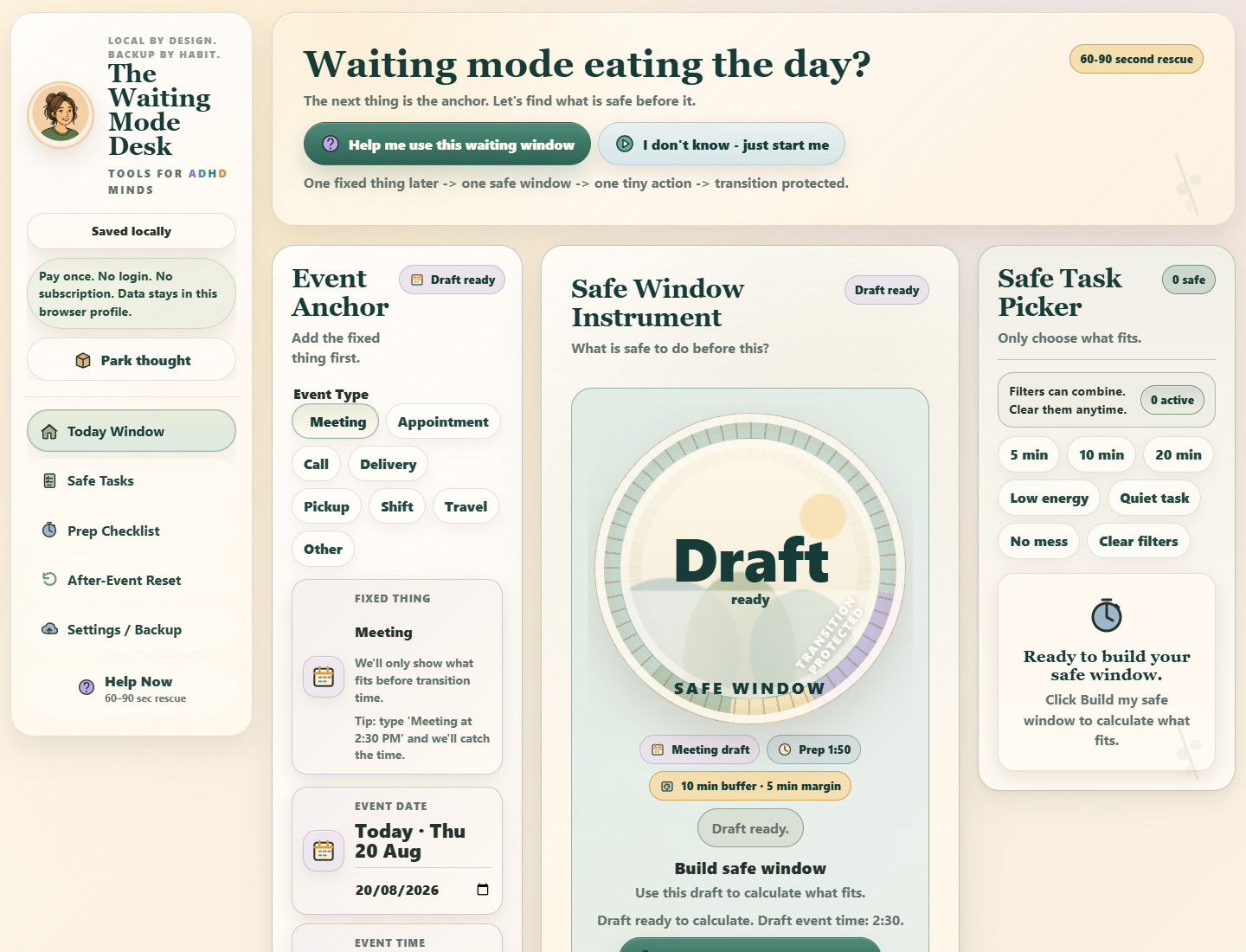
The silent recording is described below in the order shown.
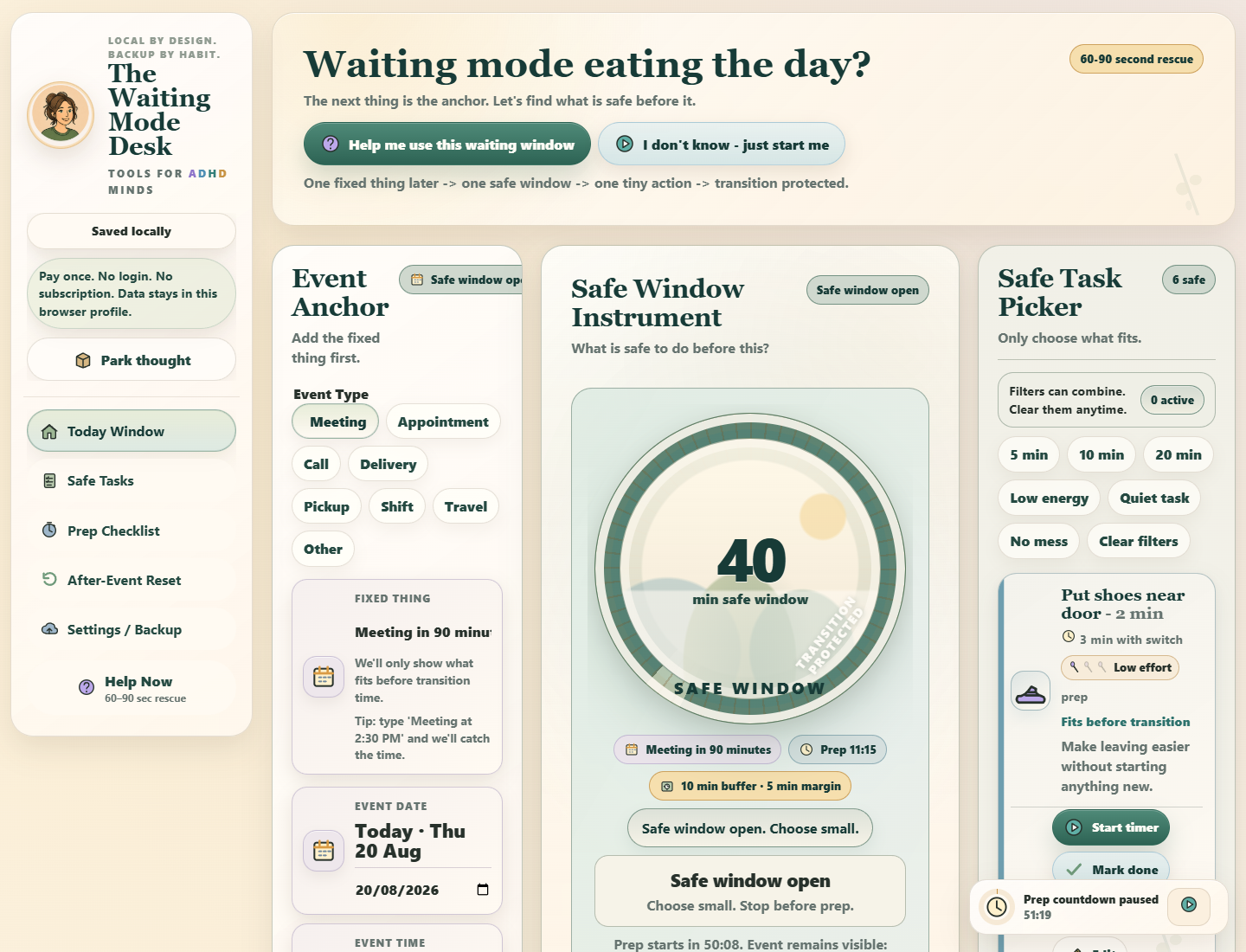
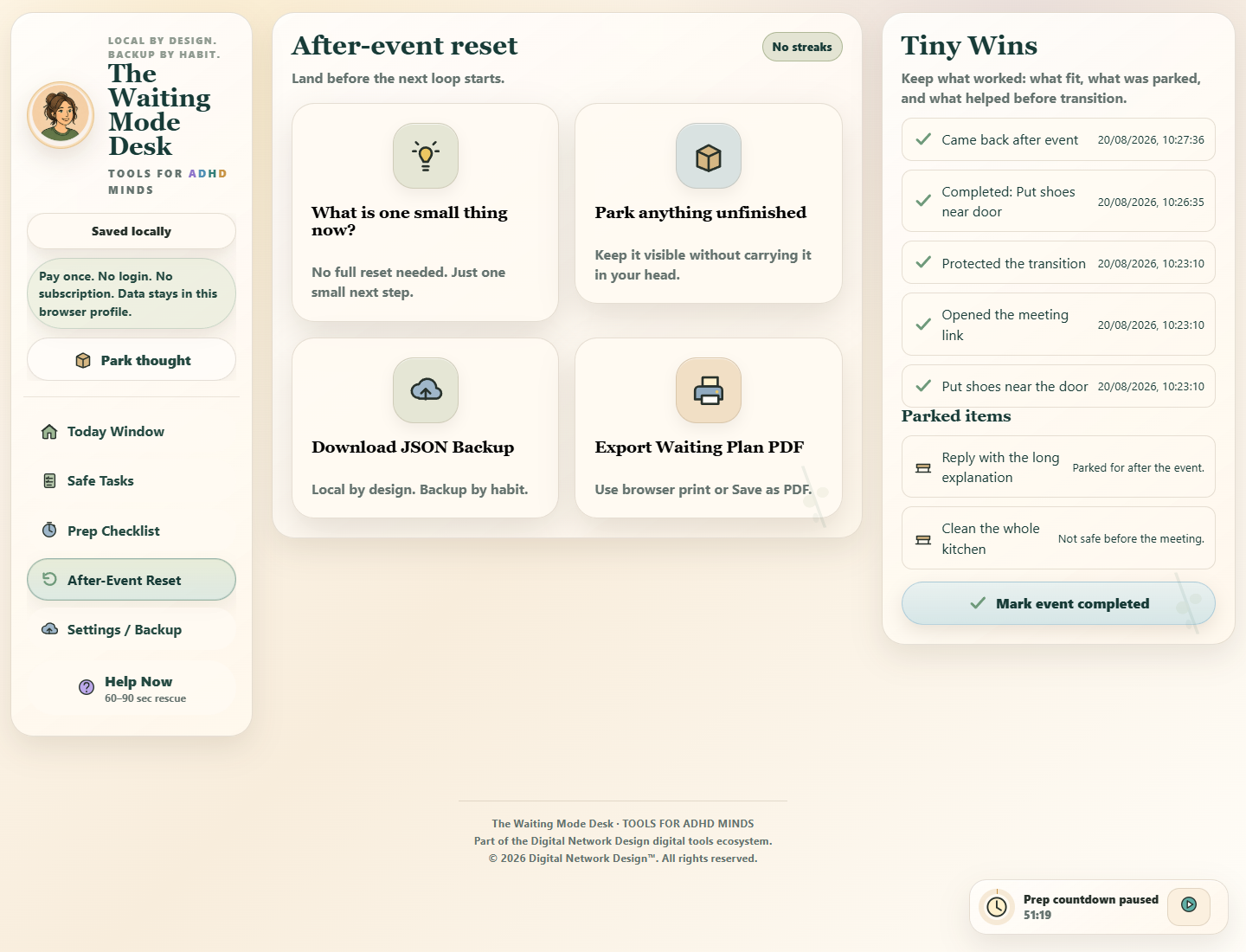
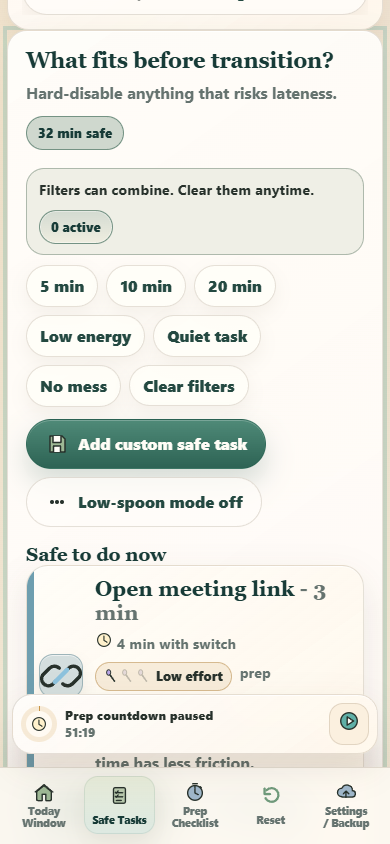
Anchor the fixed event, make the transition time visible, filter tasks by what is safe to start, and leave a clear cue for switching on time.
You do not need more than what helps today.
How this tool helps
Name the fixed thing and the time you need to begin switching.
Protect preparation and travel before considering any task.
Use a safe task, transition card, or decide that waiting is enough.
Real interface
A real interface, shown before you choose.
Every view shown here comes from the actual app included with the product.
Name the fixed thing and the preparation or travel it needs.
See what time is truly available before the transition must begin.
Show only tasks that can stop cleanly inside the current window.
Use a visible cue before the event and a gentle restart after it.
If this sounds familiar
Adults whose whole day freezes before an appointment, delivery, call, pickup, or other fixed event.
A later appointment makes the hours before it feel unusable.
You start something and then cannot switch away in time.
The fixed event is vague enough to keep pulling attention back.
After the event, the rest of the day has no clear re-entry point.
Exactly what you receive
The app handles the live moment; the PDFs carry the same method into first-use guidance, paper support, backup instructions, and clear license terms.
The app you open
Event Anchor, Safe Window Instrument, Safe Task Picker, Transition + After-Event Reset, local saving, backup, comfort settings, and responsive phone, tablet, and desktop use.
Standalone · responsive · local saving
Use the same method away from the screen
A quick-start guide for anchoring the event and finding the safe window.
A printable planner for the fixed point, transition, and safe tasks.
36 ready cards plus 9 blanks for waiting-mode moments.
A two-page field guide for waiting windows and transition cues.
Start, protect your work, know the terms
The first-open guide for access, setup, the quickest useful route, and the product's local-data boundary.
How local browser storage works, when to export a backup, and how to move or restore saved work.
The personal-use license and the legal boundaries that apply to this product.
Different ways to begin
The tool can guide, narrow, or step out of the way without making you rebuild the whole system.
A short rescue for defining the event, window, and safest next move.
Filter out tasks that are risky to begin before a fixed point.
Create a gentle landing point after the waiting period ends.
Use it on the screen you already have
Keep more context visible on a wider screen, or use the same core action for a quick phone check-in. Each browser saves its own local work.
Local data + backup
Your work. Your browser. Your backup.
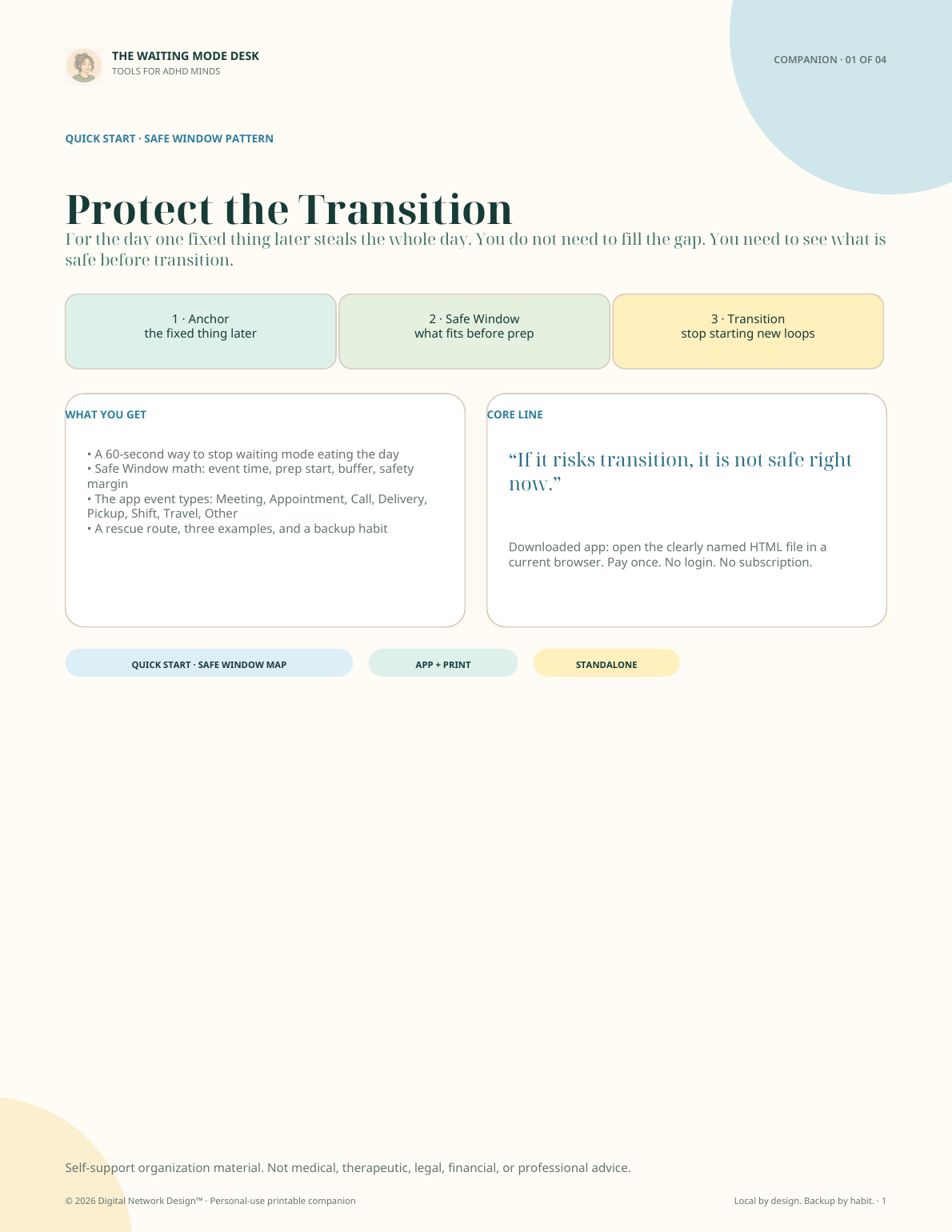
App + print system
The app screens above and the companion page shown here come directly from the files you receive. The complete list of four product-specific companions appears above.
Delivery, without guesswork
This is the verified route from payment to the tool itself.
Keep the receipt. It is your way back.
Lemon Squeezy will complete checkout and send the order receipt. Keep that receipt: it will be the reliable route back to the purchase.
The order will provide the complete tool package, including the app files, guides and license documents listed before purchase.
Download and unzip your package. Open START HERE, then open the HTML app in your browser.
Open the app-library link in your receipt. Use your receipt email and license key to unlock your purchased tools.
If a receipt, download, or activation step is missing, email [email protected] with the order number. For your safety, never send a full license key by email.
Compare the three purchase options
Choose broader support only when the related stuck moments genuinely belong together for you.
Just one
Focused fit
Protect the safe window before the thing you are waiting for.
A complete toolkit for the problem in front of you.
Includes: One complete toolkit · 1 app + 7 PDFs
Connected set
Related four-tool bundle
For days when starting, time, transitions, or low energy keep getting in each other’s way.
Save $35.97 compared with buying the four tools separately.
Includes: One master ZIP · 4 apps + 23 PDFs
Best value
Lowest cost per tool
All 12 tools for support across all eight problem areas.
Launch Edition is the fixed first 12-app Adult collection; future products are not automatically included.
Save $147.89 compared with buying all 12 tools separately.
Includes: One master ZIP · 12 apps + 63 PDFs
Ready when you are. Choose the option that fits and continue to secure checkout.
Product FAQ
Both. The Waiting Mode Desk includes the interactive browser app plus four companion PDFs: Protect the Transition, My Safe Window Planner, Safe Task and Transition Cards, Command Sheet.
No. Start with the stuck moment in front of you and use the smallest useful path. Anchor the fixed event, make the transition time visible, filter tasks by what is safe to start, and leave a clear cue for switching on time.
Yes. The interface is responsive for current phone, tablet, and desktop browsers, so you can use a quick mobile check-in or a wider desktop view.
The Waiting Mode Desk includes one standalone HTML app, four focused companion PDFs, the START HERE guide, the Product Access, Local Data & Backup Guide, and the Product License, Terms & Legal Notice. Product-specific companion page counts are listed above where available.
Your saved work stays in the browser and app copy you use. Another device, browser profile, or downloaded app copy may hold separate data.
Yes. Export a JSON backup and save it somewhere you control, then import it into the browser and app copy where you want to continue. Data does not sync automatically.
Yes. The app includes a print or PDF route for its useful working output, and the four companion resources are already supplied as PDFs.
The Waiting Mode Desk is built around one specific stuck moment rather than a large system you have to maintain. Protect the safe window before the thing you are waiting for.
Start with what helps now
Protect the safe window before the thing you are waiting for.
With your permission, we count page visits, video plays, and sales-link clicks to help improve this website. We do not send email addresses, app notes, or a visitor ID.
It starts off. Your choice is saved in this browser and expires after 180 days. You can change it here at any time, without affecting purchases or app access.
Off until you choose to allow it.