
Name the moment
Start from what is happening now: you cannot start, time keeps slipping, the room feels too big, a reply is stuck, energy is low, food feels complicated, money is loud, or there are too many thoughts.
01 · Start with the method
How it works
When your bandwidth is low, the tool should do more of the deciding. Each product helps you name what is hard, narrow the options, and leave with one visible result.
02 · Repeat the useful pattern
The pattern inside the tools
The interface changes because the problem does. Every tool still tries to do the same thing: reduce decisions, make the next move visible, and let you stop without guilt.
Start from what is happening now: you cannot start, time keeps slipping, the room feels too big, a reply is stuck, energy is low, food feels complicated, money is loud, or there are too many thoughts.
Cards, chips, presets and examples come before a blank field whenever that makes the first move easier.
Aim for one action, map, message, plan, pause or small decision before the tool asks for more.
Use the useful part, save or print what matters, and close the tool instead of turning it into another daily maintenance system.
03 · Use app or print
Two ways into the same method
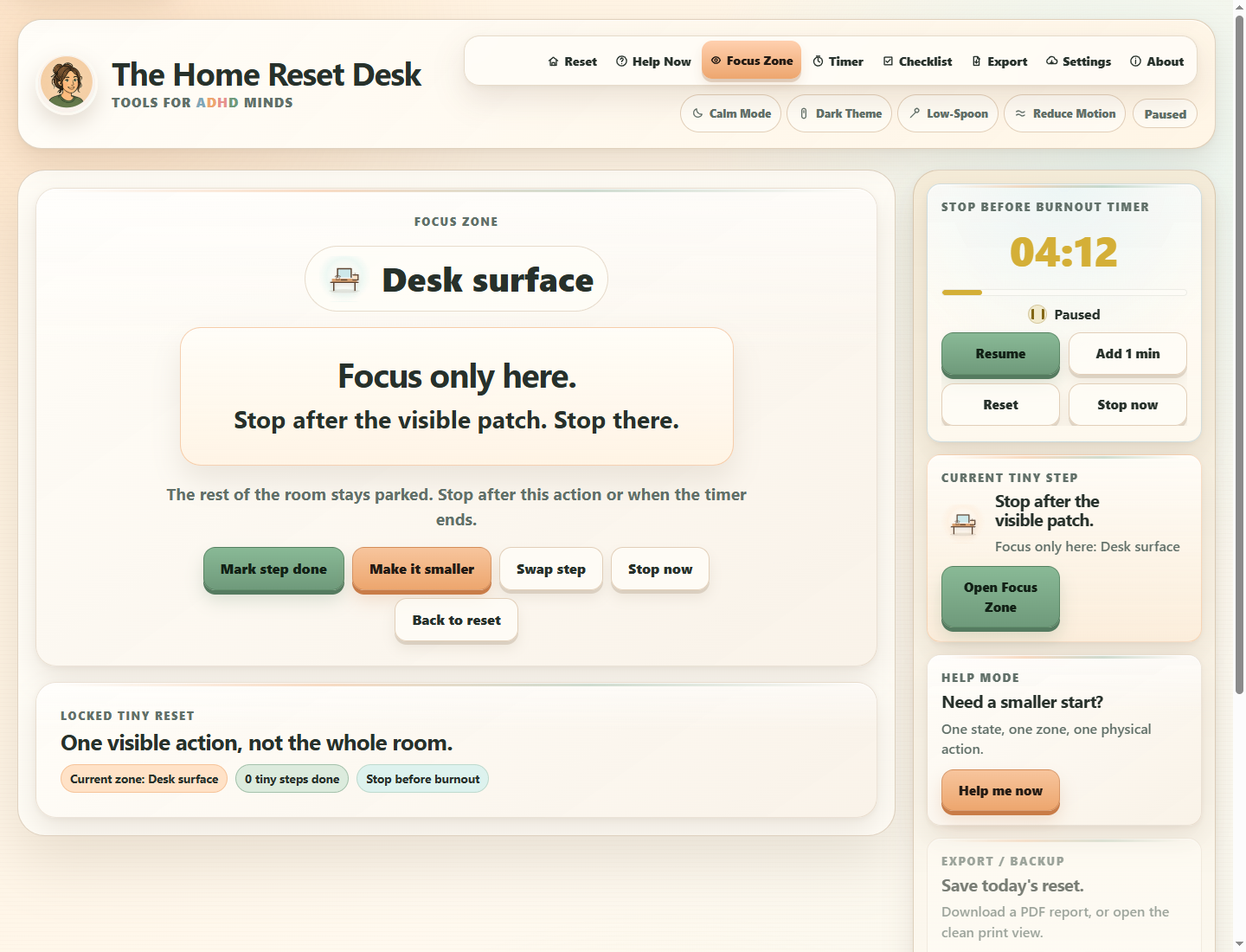
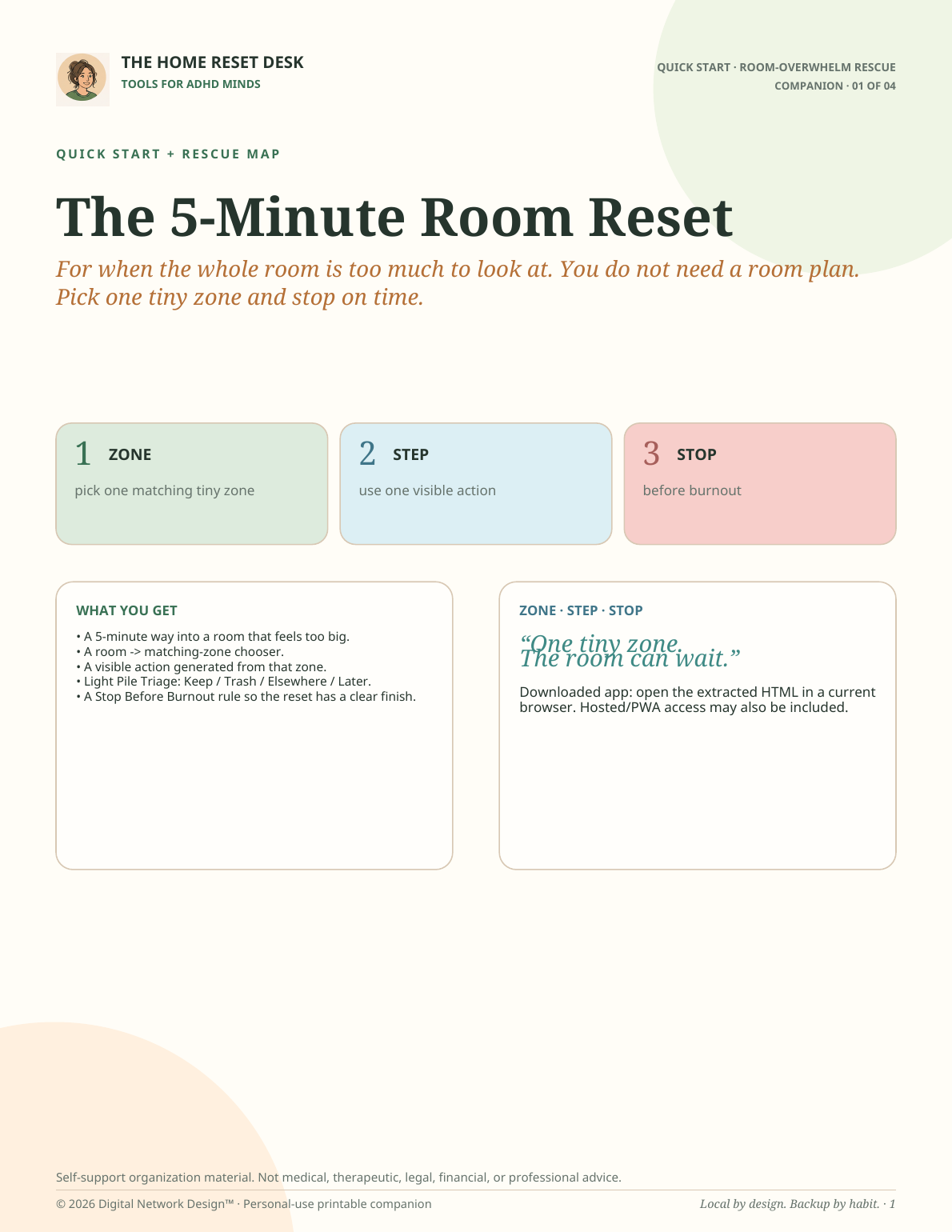
The browser app helps while the problem is happening. Companion guides, cards, maps, workbooks, and command sheets keep the same method nearby when you want less screen time.
A responsive HTML browser app for phone, tablet and desktop.
Product-specific pages that support the same method off-screen.
Export saved work before moving devices, app locations, or clearing browser data where the app supports it.
04 · Meet the day you are having
Less setup when bandwidth is low
Help Mode, presets, No-Choice routes, comfort modes, and clean resets are there for the moments when setting up a system would be harder than the thing you came to do.
05 · Keep the privacy boundary
Local by design
Saved app data stays in the browser and app copy you use. Different devices, browser profiles, and app copies may hold separate local data.
Where a tool stores useful history, use its JSON export/import and backup guidance before clearing browser storage or moving devices.
06 · Choose only what you need
One tool can be enough
If one problem is loud, choose one tool. A related bundle makes sense when several problems keep showing up together. Choose the Complete Suite only when you expect to use the wider collection.
07 · Choose the next step
Ready to choose?
Browse all tools directly or use Find My Tool when comparing names is already too much work.
Start with the moment. Stop after the useful part.
With your permission, we count page visits, video plays, and sales-link clicks to help improve this website. We do not send email addresses, app notes, or a visitor ID.
It starts off. Your choice is saved in this browser and expires after 180 days. You can change it here at any time, without affecting purchases or app access.
Off until you choose to allow it.